Your ChoirMate account belongs to you, not to one particular choir. Use the same account if you sing in several choirs or switch between the app and ChoirMate on the web.
Create an Account
- 1
Open registration
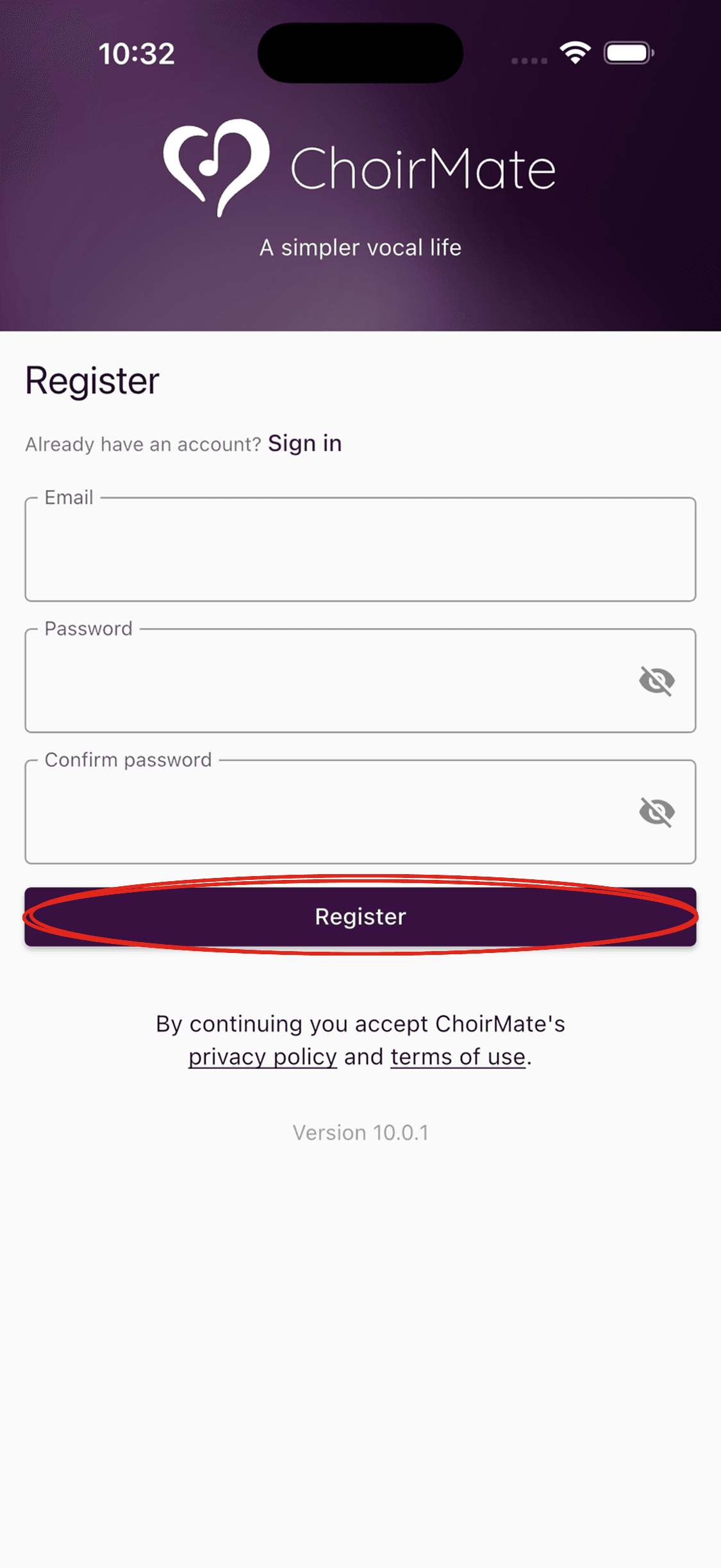
Open ChoirMate. The registration form may open directly after the welcome screens. If you see Sign in, tap Register.
- 2
Enter your details
Enter your email address, choose a password, and enter the password again under Confirm password. Tap Register.
- 3
Confirm your email address
Open the verification email from ChoirMate and follow its link. Return to the app when the address is confirmed. Sign in again if needed.
- 1
Open registration
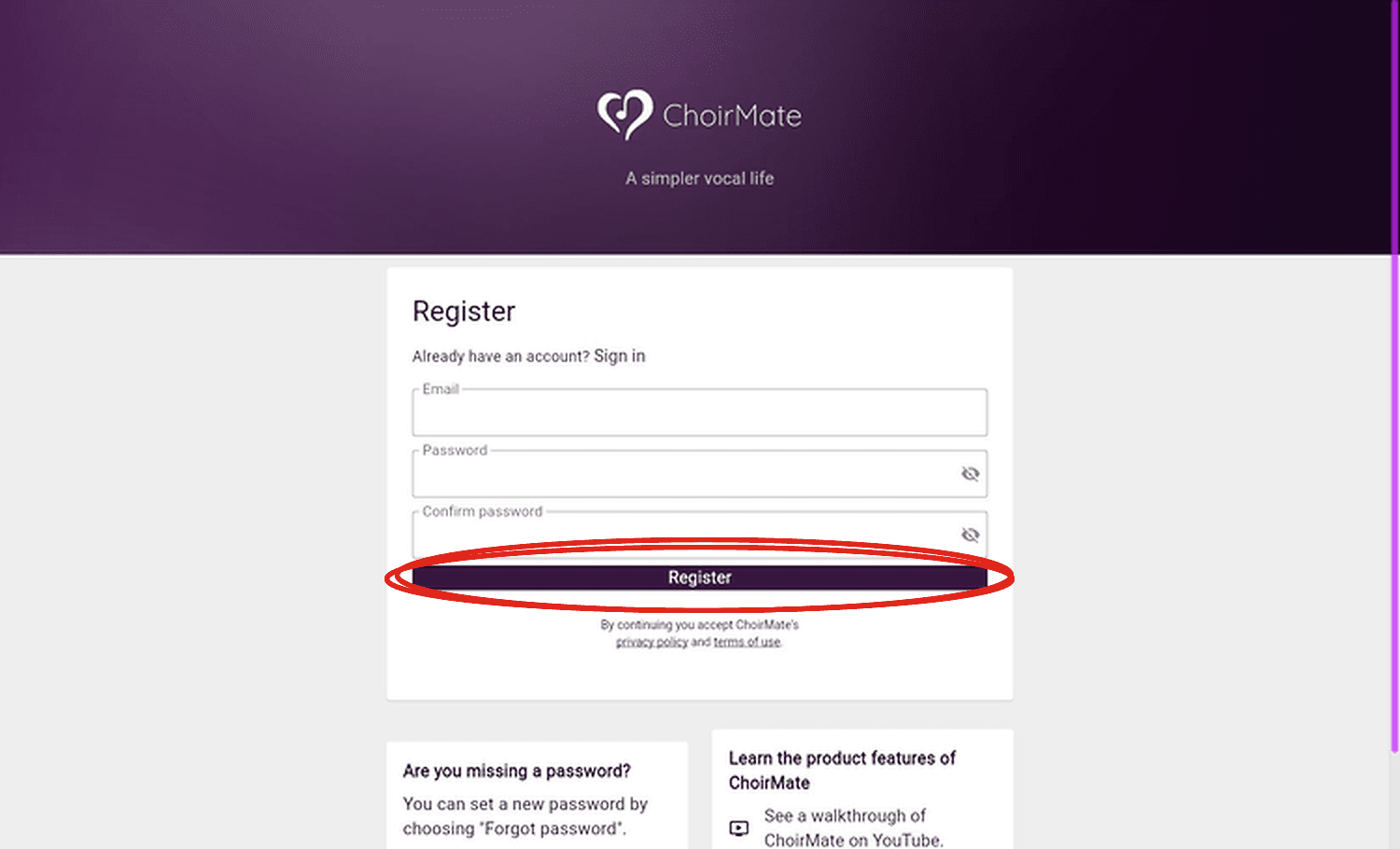
Go to web.choirmate.com/#/register.
- 2
Enter your details
Enter your email address, choose a password, enter it again under Confirm password, and select Register.
- 3
Confirm your email address
Follow the verification link in the email from ChoirMate. Return to ChoirMate on the web and sign in again if needed.
Tip
If a choir sent you an invitation link, open that link first. It connects registration with the correct choir and guides you through joining.
If the Verification Email Does Not Arrive
- Wait a few minutes and check the spam or junk folder.
- Make sure the email address was typed correctly.
- Try signing in again. ChoirMate can offer to send a new verification email when the account is still unverified.
- Contact support@choirmate.com if you still cannot verify the account.
After Registration
Sign in to the app or the web with the same email address and password. You can then join an existing choir with its invitation or create a choir that you will manage.
Your name, profile photo, and other personal settings can be updated from your profile after signing in. Your voice group is selected separately for each choir you join.